September 17, 2025
AI Browser Comparison Guide for Researchers and Creative Professionals

You know that feeling when you have 50+ browser tabs open and you can't remember which one has that important article you found three hours ago? Yeah, that's the problem with traditional browsers.
Whether you're a researcher drowning in sources, a creative collecting inspiration, or just someone tired of bookmark chaos, the right AI browser can turn your scattered online work into something that actually makes sense.
But here's the thing: not all AI browsers are created equal. Some are basically Chrome with a chatbot stuck on the side. Others are so experimental you feel like a beta tester instead of someone trying to get work done.
After researching dozens of AI browsers and analyzing real user workflows, we've found the 7 best AI browsers that actually deliver in 2026.
What you actually need is simple: A browser that understands what you're working on. One that organizes your research automatically. Maybe even suggests related content before you think to look for it.
That's exactly what we'll cover in this AI browser guide.
TL;DR
Key Takeaways:
AI browsers combine web browsing with automatic organization, content synthesis, and intelligent assistance
Most AI browsers require paid subscriptions ($15-200/month), but Edge Copilot and Opera AI are completely free
Platform limitations matter: Dia Browser and ChatGPT Atlas are Mac-only, while Edge Copilot works everywhere
Privacy varies dramatically: Brave Leo processes locally; most others use cloud AI with data sharing
Top picks:
Creative professionals & researchers → Kosmik (visual organization with built-in browser)
Professional research → Perplexity Comet (synthesis and citations)
Business teams → Microsoft Edge Copilot (free with Office integration)
Start with Kosmik to experience next-gen AI browsing.
Traditional Browser vs AI Browser: What's the Difference?
The gap between traditional browsers and AI browsers isn't just about features - it's about completely different approaches to how you work with information online.
Traditional Browsers | AI Browsers |
|---|---|
Tab Overload: 20+ tabs open, difficult to track what's where | Better Organization: AI-assisted tab management and workspace organization |
Manual Bookmarking: Save links in folders you'll forget about | Smart Saving: AI categorizes and tags content automatically |
Basic Search: Type keywords and hope for the best | Intelligent Search: Ask questions in natural language, get contextual answers |
Copy-Paste Research: Manual note-taking and organization | AI-Assisted Research: Automatic summarization and content synthesis |
Static Browsing: Just displays web pages as-is | Interactive AI: Chat with AI about page content, get explanations |
Isolated Tasks: Browse, then switch to other apps for analysis | Integrated Workflow: AI helps analyze, compare, and connect information |
The Real Problems with Traditional Browsers
Your bookmarks are a graveyard. You have thousands of saved links organized in folders you never check. Finding that one article you bookmarked last month? Good luck remembering if you called it "Research," "Important," or "Read Later."
App-switching hell never ends. The constant juggling: browser → notes app → PDF reader → back to browser → screenshot tool → notes again. Research from Carnegie Mellon's Software Engineering Institute shows that context switching significantly reduces productivity. It's 2026. This shouldn't be so clunky.
Zero intelligent help. Traditional browsers just show you webpages and call it a day. They can't explain what you're reading, connect ideas across different sources, or suggest related content that might actually be useful.
Everything's manual work. Save a link, add a note, tag it, categorize it, repeat 50 times per day. You spend more time organizing information than actually using it.
How AI Browsers Solve These Problems?
AI browsers tackle these problems head-on by actually understanding what you're trying to accomplish:
They organize everything automatically. Drop in articles, images, or links, and the AI sorts them by topic, tags them with keywords, and makes everything searchable without you lifting a finger.
They explain stuff in plain English. Reading a complex research paper? The AI can break it down, answer questions about what you're looking at, and connect it to other things you've saved.
Everything happens in one place. No more browser → notes app → PDF reader dance. Browse, save, annotate, and organize all in the same interface.
They actually help you discover new things. Good AI browsers don't just organize what you already have - they suggest related content, highlight connections you missed, and surface relevant information before you even think to look for it.
The goal isn't to replace your thinking (AI isn't there yet). It's to eliminate all the tedious organizing and searching so you can focus on the actual creative work.
What Actually Matters in an AI Browser?
Not every AI browser will fit your workflow. Here's what actually matters when you're choosing:
How smart is the AI, really?: Some browsers have AI that feels genuinely helpful. Others have chatbots that give generic responses. Try it with your actual work - does it understand context and give useful suggestions?
Native integration vs. add-on feel: The best AI browsers feel seamless. The worst ones feel like someone stuck ChatGPT in a sidebar and called it a day. Look for browsers where AI enhances everything naturally.
Match your work style: Academic researchers need citation management and synthesis. Creative professionals want visual organization and inspiration discovery. Business teams need collaboration and integration with existing tools.
Privacy matters (if it matters to you): Some browsers process everything locally and never see your data. Others send everything to the cloud for training. Know which approach you're comfortable with before you commit.
Performance under real use: AI features should speed you up, not slow you down. Try with actual projects, can it handle 50+ tabs or large research collections without choking?
Time investment vs. payoff: Sophisticated AI browsers often require learning new workflows, but the productivity gains can be huge once you're comfortable. Decide how much time you can invest upfront.
Now, let's compare each AI Browsers in depth.
7 Best AI Browsers (Ranked)
1. Kosmik: Best for Creative Professionals
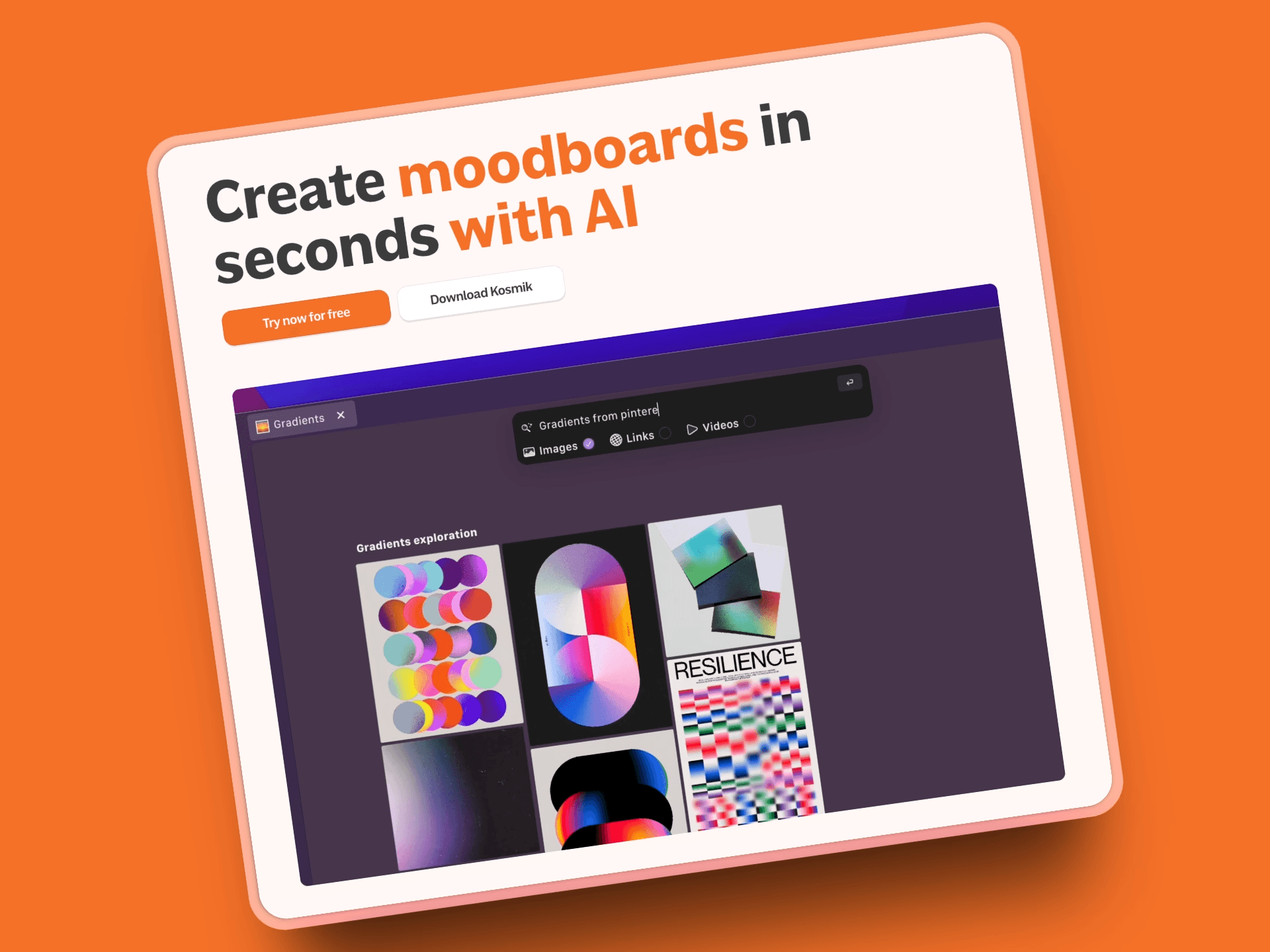
Kosmik is what happens when you build a browser specifically for people who think visually. Think traditional browser, but with an infinite canvas and AI that actually helps with research instead of just getting in the way.
The built-in browser is brilliant. You can research, capture inspiration, and organize everything without switching apps. But here's where it gets interesting: the AI watches what you're working on and suggests related content automatically.
Working on a design project? Kosmik finds similar images across the web. Researching a topic? It pulls relevant links and resources. It's like having a research assistant who never gets tired and somehow always knows exactly what you're looking for before you do.
Key Features:
Built-in browser with seamless web clipping: Browse and clip content without ever leaving your workspace. Press 'W' to start browsing and capturing web content directly onto your canvas. Learn more about Kosmik's built-in browser.
AI-powered auto-tagging and content organization: Upload images or save articles and watch the AI automatically sort them by topic, style, color, and relevance
Visual research on infinite canvas: Arrange content spatially to see patterns and connections that traditional linear browsing misses
Frames for visual organization: Create visual containers with customizable borders and titles to organize canvas content into sections, ideal for mood boards and research topics
Advanced PDF reader integration: Read research papers and documents directly on your canvas alongside web content, with OCR support for image-based PDFs
Drawing and annotation tools: Pen, marker, and eraser tools for annotating PDFs and creating visual notes directly on your canvas
AI Asset Finder: Computer vision-powered discovery that searches YouTube, Pinterest, and web sources to find visually similar content based on your canvas items
Real-time collaboration: Multiple users can work simultaneously on the same canvas with live updates
Chat panel: Right-side AI chat panel for conversations about your content
Web clipper extension: Kosmik Chrome extension for capturing content from any Chromium-based browser
Connector system: Create visual links between objects for mind mapping and relationship building
Pros:
Built-in browser eliminates app switching completely (finally!)
AI visual similarity search finds inspiration you'd never discover manually
Native support for multiple file types - PDFs, videos, images, documents all work without opening separate apps
Drawing and annotation tools work directly on PDFs for marking up research papers and documents
Frames feature provides visual containers for organizing research by topic or project phase
Auto-tagging makes everything searchable without the manual organization nightmare
AI chat panel lets you ask questions about your content without leaving your workspace
Real-time collaboration that actually works smoothly
Actually affordable compared to professional research tools that cost $200+/month
Cons:
Newer platform, so smaller ecosystem than established browsers
Learning curve if you're married to traditional tab chaos
No iOS or Android mobile apps yet. The web version works on tablets through browser access, but lacks native mobile app optimization.
Pricing:
Free Trial: 1 week with full Pro features
Kosmik Pro:
$11.99/month (billed yearly) or $14.99/month (billed monthly)
Unlimited workspaces, universes, items, file imports (no size limit), AI requests
Share workspaces and universes
Priority support
Ambassador (Coming Soon):
$16.99/month (yearly) or $20.99/month (monthly)
Everything in Pro plus: Dedicated Slack channel, fonts support, brand kits, Figma plug-in, MCP integrations
Enterprise: Custom pricing (contact hello@kosmik.app)
Best For:
Creative professionals, researchers, and teams who work with diverse content types and need visual organization. Perfect for creating mood boards, research projects, and visual organization. If you find yourself drowning in browser tabs and constantly switching between apps, Kosmik might be exactly what you're looking for.
Why Kosmik Is the Best AI Browser?
While each tool on this list solves specific browsing problems, Kosmik addresses them all in one cohesive platform:
Kosmik eliminates tab chaos. No more 30+ tabs, no context switching hell, no hunting through bookmark graveyards. Just you, your ideas, and AI that actually helps instead of getting in the way.
Everything becomes findable. Drop in content and Kosmik's AI tags it automatically. Search by concept, color, object, or even mood. That article you saved three weeks ago? You'll actually be able to find it.
It matches how you think. Instead of forcing you into linear, text-heavy interfaces, you get spatial organization that works the way your brain naturally processes visual information.
Start with Kosmik for Free.
2. Perplexity Comet: Best for Professional Research
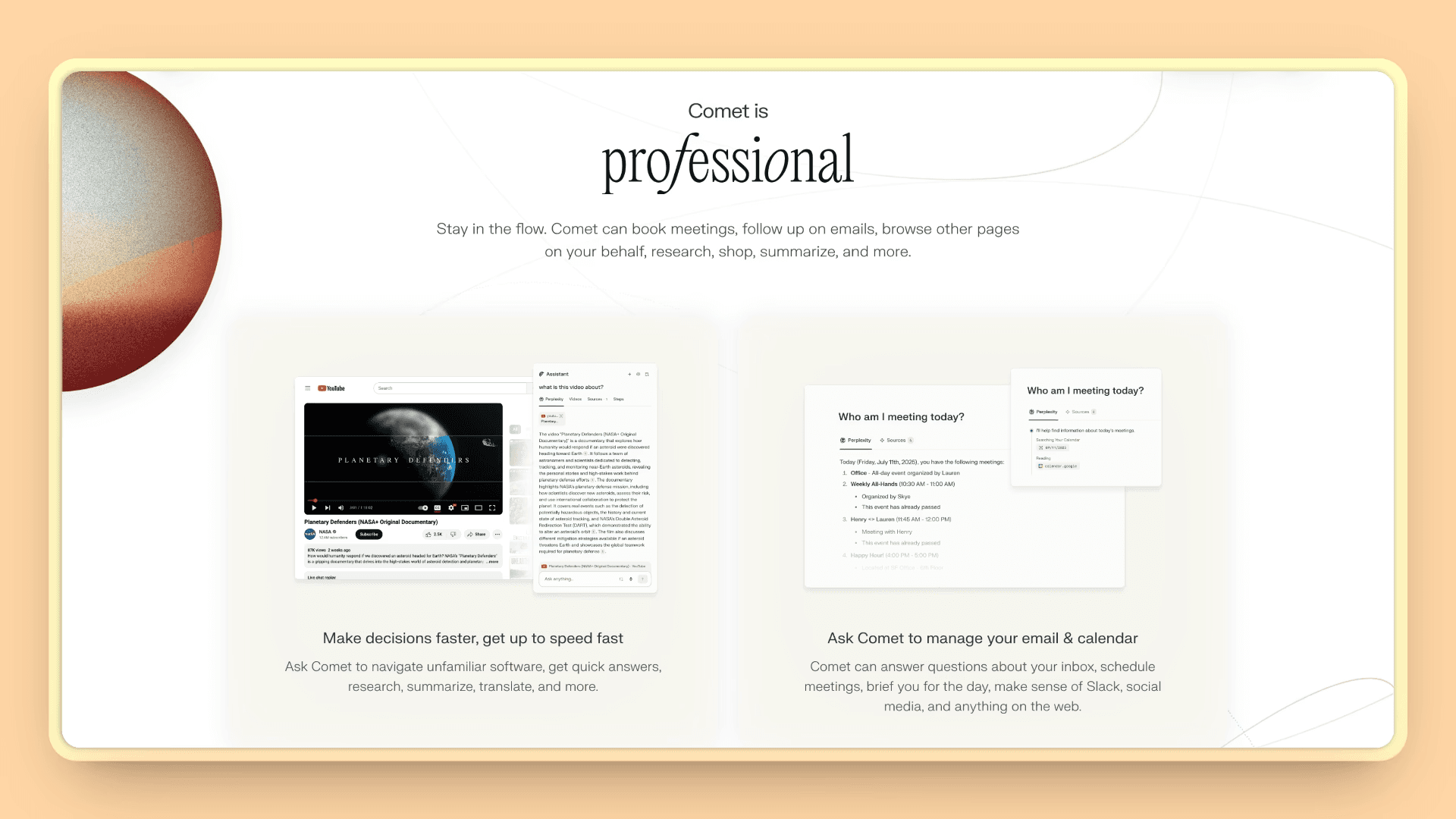
Perplexity Comet represents the next evolution in AI-powered research. Think ChatGPT, but it actually browses the web for you and cites its sources. Comet isn't just another browser with AI bolted on - the AI can actually navigate websites, complete tasks, and synthesize information across multiple sources.
The browser itself is free for all Perplexity users. Premium features require Perplexity Pro or Max subscriptions.
Key Features:
AI that actually browses for you: Tell it to research a topic and it navigates websites, reads content, and synthesizes findings automatically
Cross-tab context awareness: The AI remembers what you're working on across different websites and sources
Automatic citation tracking: Builds bibliographies and maintains source links for academic work
Research synthesis: Combines information from multiple sources into coherent summaries
Real-time web actions: Can book appointments, make purchases, and complete multi-step tasks
Pros:
Exceptional for academic and professional research that requires source credibility
AI synthesis saves hours on literature reviews and market research
Strong citation management for academic work
Enterprise-grade reliability and accuracy
Real-time information access with proper attribution
Cons:
Advanced features require paid subscriptions ($20-200/month)
Less suitable for visual or creative research workflows
Resource-intensive features may slow down older computers
Learning curve if you're used to traditional browsing
Pricing:
Free: Comet is free to start with basic features
Perplexity Pro: $20/month (includes enhanced Comet features)
Perplexity Max: $200/month (priority access and advanced features)
Comet Plus: $5/month standalone subscription (or included with Pro/Max plans)
Best For:
Professional researchers, analysts, consultants, and academics who need high-quality, well-sourced information synthesis and can justify the premium pricing.
3. Microsoft Edge Copilot: Best for Business Teams
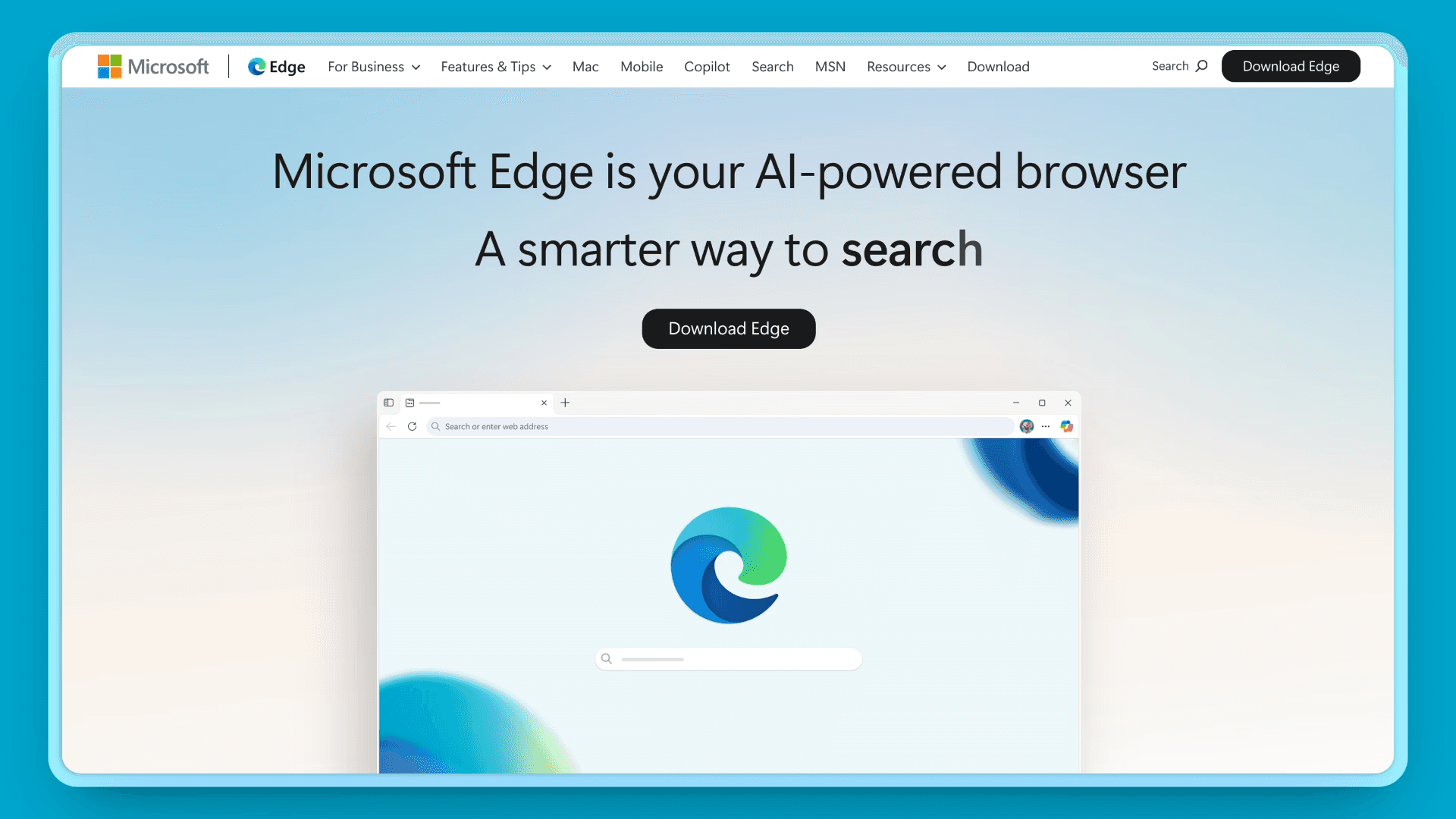
Microsoft Edge with built-in Copilot brings enterprise-grade AI to everyday browsing. Think regular Edge browser, but with Microsoft's AI assistant built right in. If your team already lives in Office 365, Teams, and SharePoint, Edge Copilot feels like a natural extension of your existing workflow.
The AI can summarize web pages, help with research, and integrate seamlessly with your Microsoft apps. Plus it's free, which is refreshing in a world where AI browsers cost $200/month.
Key Features:
AI sidebar: Chat with Copilot about any webpage, get summaries and insights
Multi-tab analysis: AI can compare content across different tabs and websites
Microsoft integration: Works seamlessly with Office apps, Teams, and SharePoint
Voice interaction: Talk to Copilot instead of typing queries
Enterprise security: Built-in compliance and security features for business use
Pros:
Free AI features with no subscription required
Seamless integration with Microsoft ecosystem (Office, Teams, SharePoint)
Enterprise-ready security and compliance
Regular updates and long-term Microsoft support
Familiar interface that doesn't require learning new workflows
Cons:
Works best if you're already using Microsoft tools
AI features feel generic compared to specialized browsers
Limited customization options
Some advanced features still in development
Privacy concerns about data sharing with Microsoft services
Pricing:
Free with Microsoft account; enterprise features included with Microsoft 365 plans
Best For:
Business teams already using Microsoft tools, enterprise users who need security compliance, and anyone wanting AI features without subscription costs.
4. Dia Browser: Best AI-Native Experience
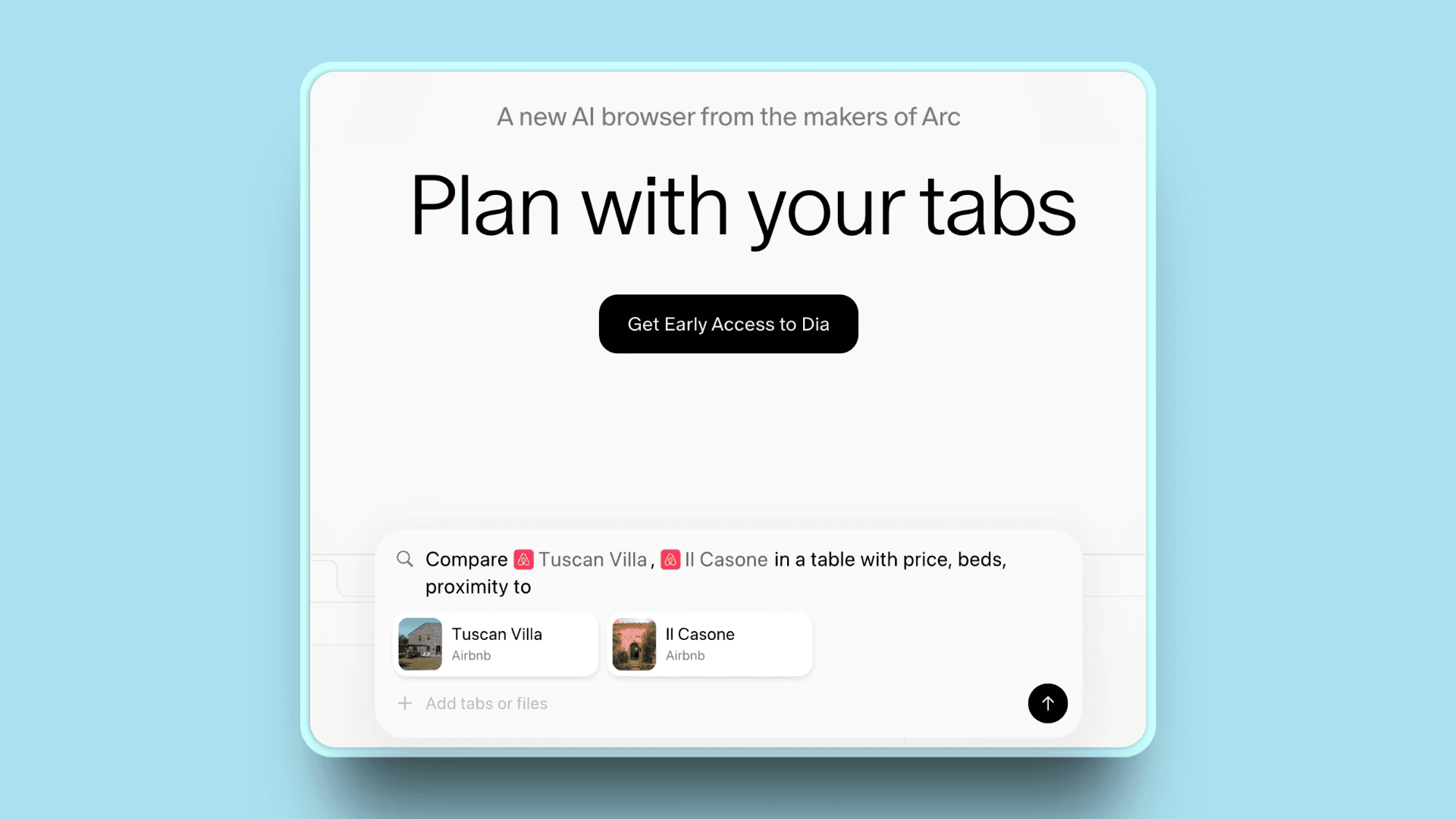
Dia Browser from The Browser Company represents the future of AI-native browsing. Think Chrome, but where AI is baked into every interaction instead of just being a sidebar feature. Dia is what happens when you design a browser from scratch around AI assistance rather than retrofitting it later.
Available publicly since October 2025, Dia is Mac-only but offers a free tier with all core features. It's a glimpse of what browsing feels like when AI actually understands what you're trying to accomplish.
Key Features:
Smart address bar: Handles website navigation, search, and AI questions automatically
Cross-tab conversations: Ask AI about content across multiple tabs simultaneously
Custom Skills: Create your own AI shortcuts for repetitive tasks
Browsing memory: AI learns from your browsing patterns (optional feature)
Context awareness: AI understands what's on your current page automatically
Pros:
Familiar Chrome-like interface with powerful AI integration
Context-aware AI that learns your browsing patterns
Eliminates switching between browser and AI tools
Privacy-focused with local data storage
Custom Skills system for workflow automation
Cons:
Mac-only availability (requires macOS 14+ with Apple Silicon)
Relatively new software with potential bugs and missing features
Memory features raise privacy considerations
Slower performance compared to established browsers
Pro plan pricing may be steep for casual users
Pricing:
Free: All core features including chat, Skills, tab mentions, attachments, and personalized Memory
Pro: $20/month for unlimited chat usage, priority support, and advanced features (14-day free trial)
Best For:
Early adopters, Mac users interested in experimental AI features, and anyone wanting to experience AI-native browsing design.
5. Brave Leo: Best for Privacy
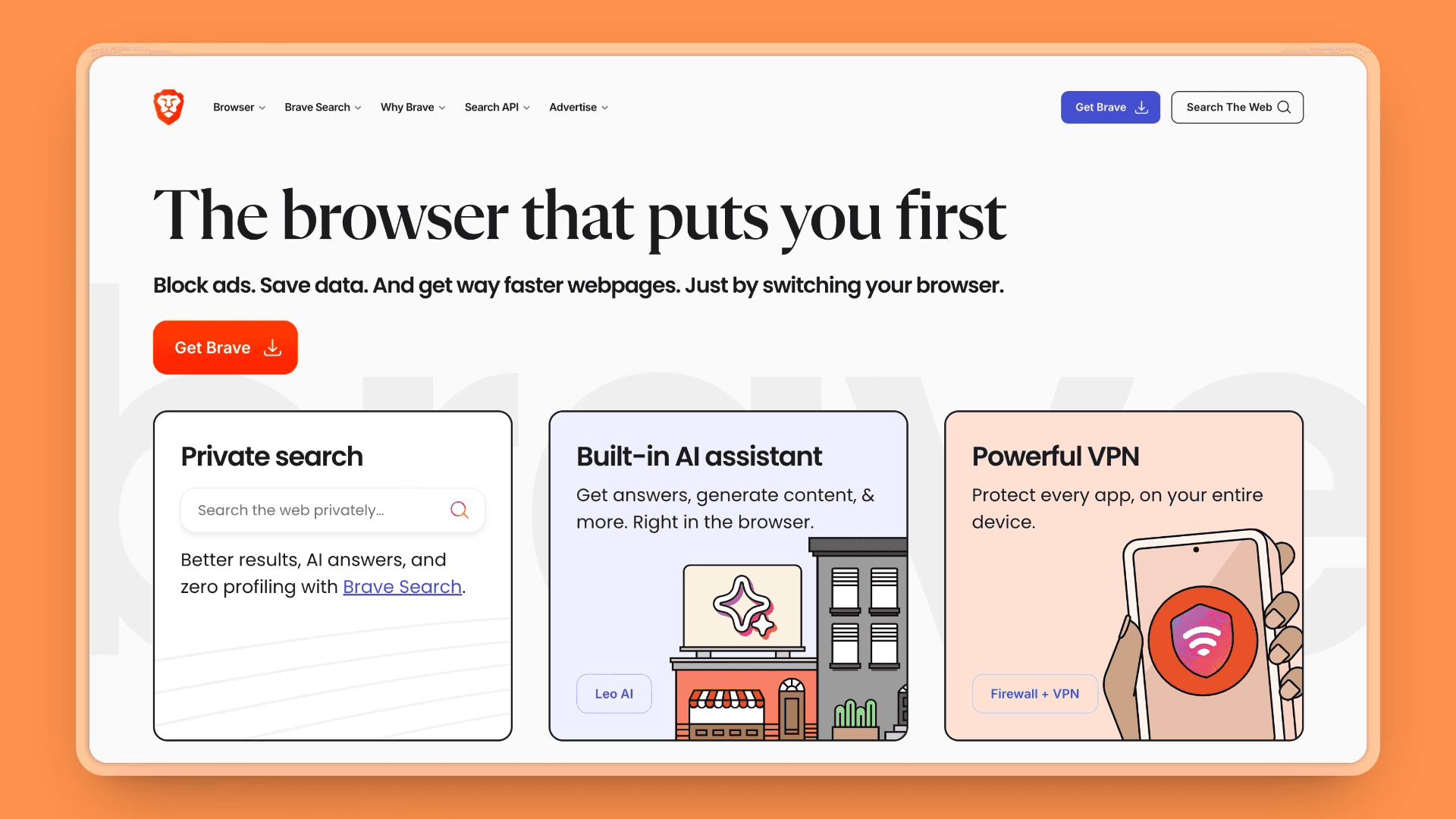
Brave Browser with Leo AI prioritizes user privacy while delivering powerful AI features. Think ChatGPT, but built into your browser with strong privacy protections. Brave Leo gives you AI assistance without sending your conversations to external servers or using your data for training.
Leo works with multiple AI models (Claude, Llama, Mixtral) and processes everything locally or through privacy-preserving methods. If you want AI features but don't trust other browsers with your data, Brave Leo offers a compelling middle ground.
Key Features:
Privacy-first AI: No conversation logging, no data used for training
Multiple AI models: Access to Claude, Llama, Mixtral, and other models
Document analysis: Summarize PDFs and documents directly in browser
Voice interaction: Talk to Leo on mobile devices
Local processing: Many features work offline without sending data externally
Custom models: Advanced users can connect their own AI models
Pros:
Strong privacy protections with no data logging
Multiple AI models to choose from
Built into Brave Browser (no separate app needed)
Reasonable premium pricing at $14.99/month
Works across all platforms (desktop and mobile)
Local processing for sensitive work
Cons:
Free tier has usage limits and slower response times
Limited features compared to dedicated AI services
Requires using Brave Browser for full functionality
AI models may not be the latest versions
Response times slower than ChatGPT and other alternatives
Pricing:
Free with usage limits; Leo Premium at $14.99/month for enhanced features
Best For:
Privacy-conscious users, anyone working with sensitive information, and people who want AI features without data privacy concerns.
6. Opera AI: Best for Free AI Features
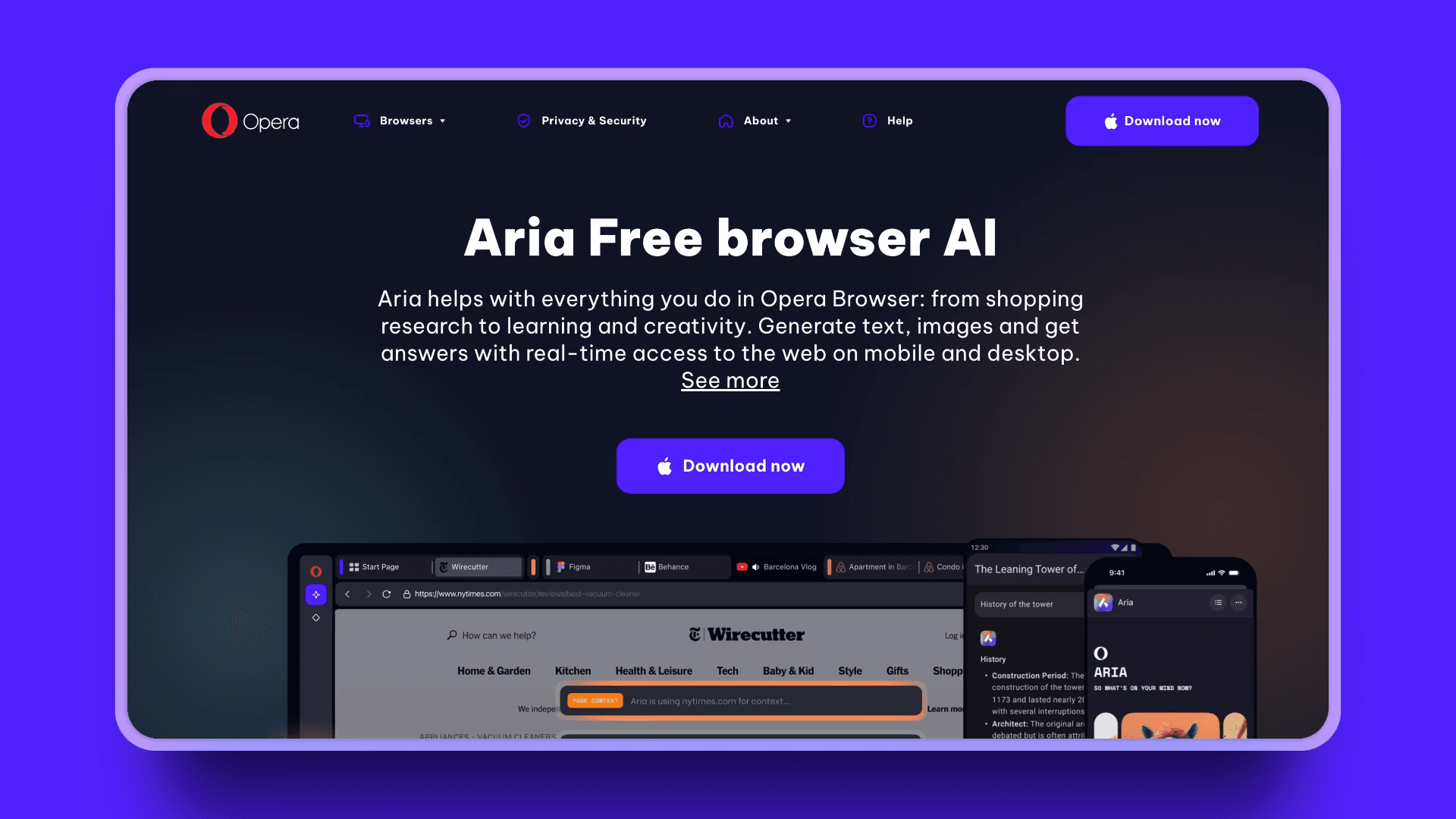
Opera Browser with Opera AI provides comprehensive AI capabilities at no cost. Think regular Opera browser, but with comprehensive AI features that don't cost anything extra. Opera AI offers multiple AI models, image generation, translation, and research assistance - all for free.
While it may not be as innovative as specialized AI browsers, Opera AI gives you solid AI capabilities without subscription fees or privacy concerns. If you want to experiment with AI browsing without commitment, it's a great starting point.
Key Features:
No sign-in required: Use all AI features without creating an account
YouTube video understanding: Transcribe, summarize, and translate video content
Voice input and output: Talk to AI and get voice responses
Image generation: Create AI images (5/day free, 100/day signed-in)
File and PDF analysis: Upload documents for AI analysis
Tab context awareness: AI understands your current browsing context
Multiple AI models: Switch between different AI systems
Multilingual support: Translation and assistance in 100+ languages
Pros:
Completely free with no subscription or account required
YouTube transcription is unique among AI browsers (no competitors offer this)
Lower barrier to entry than ChatGPT Atlas or Dia (no sign-up)
Voice accessibility helps users with different needs
Works across desktop and mobile with seamless sync
Built into Opera browser (no separate app to download)
Generous free image generation (5/day beats most free tiers)
Cons:
Can be slow during peak usage times
Requires using Opera browser for full features
Limited customization compared to specialized AI tools
Privacy questions about data handling across multiple AI providers
Feature complexity may overwhelm casual users
Pricing:
Free
Best For:
Users wanting free AI features without account sign-up, international users who need multilingual support and YouTube video translation, content creators needing image generation, and anyone looking to experiment with AI browsing without commitment. Particularly valuable for accessibility with voice input/output support.
7. ChatGPT Atlas: Best for AI Agent Tasks
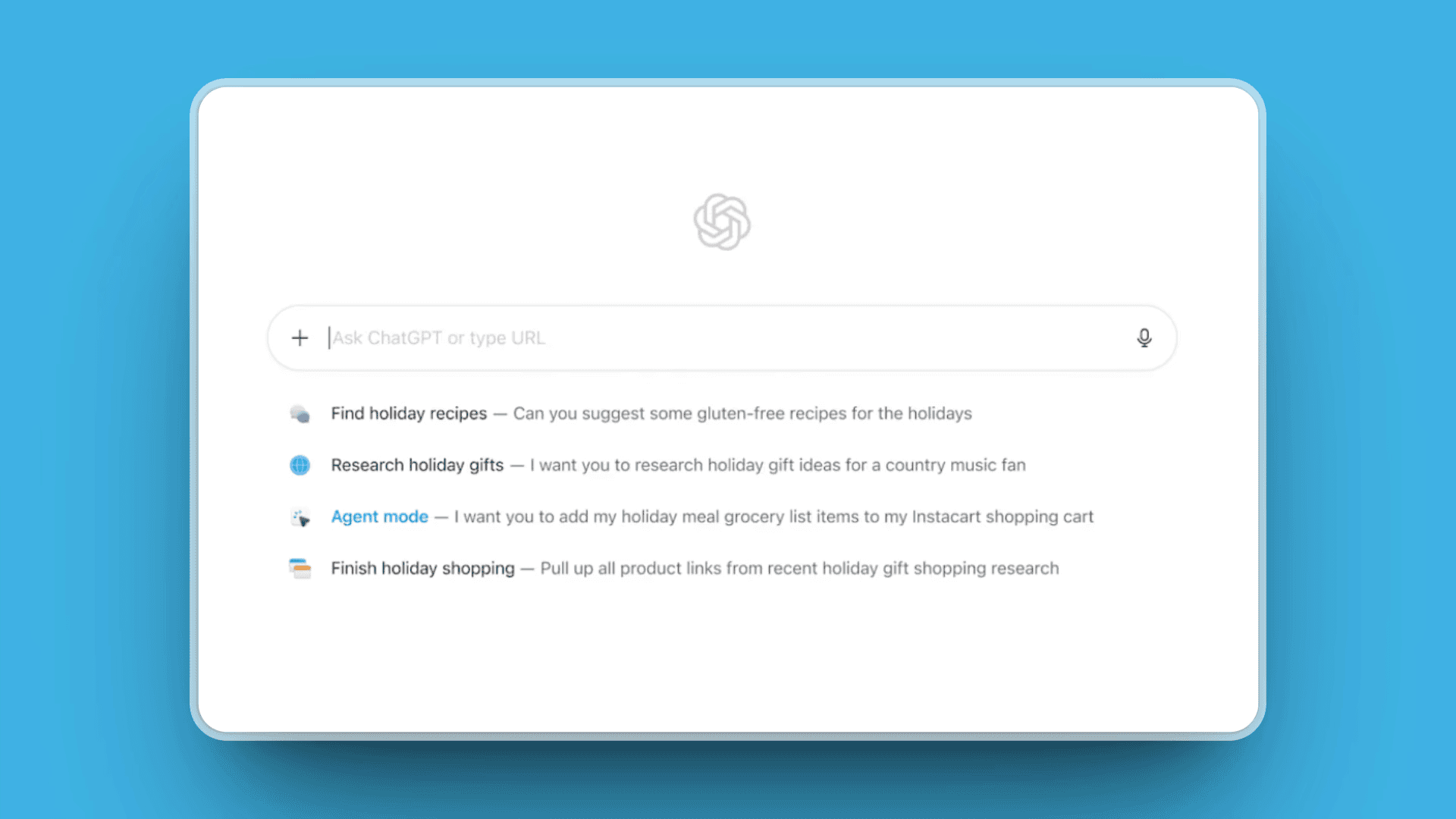
ChatGPT Atlas from OpenAI represents a fundamental shift in how browsers work. Think Chrome, but with ChatGPT's intelligence woven directly into every aspect of browsing. Atlas isn't just a browser with an AI sidebar - it's a browser where the AI can actually take actions on your behalf.
The standout feature is Agent Mode, which lets ChatGPT complete multi-step tasks autonomously. Need to research vacation options, compare prices, and build an itinerary? Tell Atlas what you want, and the AI handles the browsing, research, and organization while you focus on making decisions. It's like having a personal assistant who lives in your browser.
Key Features:
Agent Mode: AI completes multi-step tasks autonomously - research, compare, organize, and even add items to shopping carts
Context-aware AI chat: ChatGPT understands what's on your current page without you explaining
Browser memory: Optionally remembers your browsing patterns and preferences (fully controllable and clearable)
Cross-tab intelligence: Ask questions about content across multiple tabs simultaneously
Chrome extension compatibility: Built on Chromium, so all your Chrome extensions work seamlessly
Smart new-tab experience: AI-organized view of your frequent sites and suggested content
Per-site memory controls: Address bar indicator shows when memory is active, with granular per-site controls
Pros:
Agent Mode saves hours on research-intensive tasks like travel planning and product comparison
Seamless ChatGPT integration eliminates switching between browser and AI tools
Context awareness means the AI understands what you're looking at without manual explanation
Chrome extension compatibility ensures you don't lose your essential tools
Browser memory makes recommendations increasingly relevant over time
Free tier available for experimentation
Natural continuation for existing ChatGPT users
Cons:
Currently Mac-only (M1 chips or newer), Windows and mobile coming soon
Best features require ChatGPT Plus subscription at $20/month
No user profiles yet, making it difficult to separate work and personal browsing
Early-stage software with occasional performance lags when handling many tabs
Privacy trade-offs: Atlas absorbs more user data than traditional browsers
Agent Mode still in preview and can be inconsistent with complex tasks
Pricing:
Free tier: Basic features with message limits and slower responses during peak times
Plus: $20/month for priority access to advanced models, Agent Mode preview, and higher usage limits
Pro: $20/month (same as Plus with additional benefits for power users)
Team/Enterprise: Custom pricing with SSO, administrative controls, and enhanced security
Best For:
Mac users who do research-intensive work, heavy ChatGPT users wanting seamless browser integration, and anyone interested in AI agents that can complete tasks autonomously. Particularly valuable for travel planning, product research, and information synthesis across multiple sources.
Quick Comparison Table
Browser | Stand-out Feature | Platforms | Ideal For |
|---|---|---|---|
Kosmik | Visual workspace with AI auto-tagging, Frames, and built-in browser | Mac, Windows, Web | Creative professionals, visual researchers |
Perplexity Comet | AI-powered research synthesis with citation tracking | Web, Desktop | Professional researchers, analysts |
Edge Copilot | Free AI with Microsoft ecosystem integration | All platforms | Enterprise users, Microsoft teams |
Dia Browser | AI-native browsing with context awareness | Mac only | Early adopters, Mac power users |
Brave Leo | Privacy-first AI with local processing | All platforms | Privacy-conscious users |
Opera AI | Free AI with YouTube transcription, no sign-up required | All platforms | Video learners, multilingual users |
ChatGPT Atlas | AI agent automation for multi-step tasks | Mac only | ChatGPT users, task automation |
How to Choose the Right AI Browser
Here's a practical decision framework that cuts through the marketing noise:
Step 1: Start with Your Work Style
Heavy researchers (academics, analysts) → Focus on citation management and synthesis features
Creative professionals (designers, marketers) → Look for visual organization and inspiration tools
Business teams → Prioritize integration with existing workflows and collaboration features
Privacy-conscious users → Check data processing, local vs. cloud AI, and privacy policies
Casual experimenters → Start with free options to understand what AI browsing offers
Step 2: Evaluate Practical Constraints
Platform requirements: Which devices do you actually use daily?
Budget reality: Free tiers vs. paid features - what can you actually afford long-term?
Team needs: Will others need access? How important is collaboration?
Learning investment: How much time can you realistically spend learning new tools?
Step 3: Research Smart
Try 2-3 browsers max - more creates decision paralysis
Use your real work - don't just browse randomly, import actual projects
Research core workflows - the 20% of features you'll use 80% of the time
Measure actual time savings - does it genuinely make your work faster?
Step 4: Make the Decision
The best AI browser is the one that eliminates friction from your most frequent tasks. If you find yourself naturally reaching for it instead of your old browser after a week, that's your answer.
Don't get seduced by feature lists or future promises. Choose based on what works for you today.
Use-Case Cheat-Sheet
By Work Style:
Visual Research & Creative Projects → Kosmik (Mac/Windows/Web)
Academic Research & Citations → Perplexity Comet (Web/Desktop)
Enterprise & Team Collaboration → Microsoft Edge Copilot (All platforms)
Privacy-Focused Browsing → Brave Leo (All platforms)
Video Learning & Research → Opera AI (YouTube transcription, no sign-up)
Creative Mood Boarding → Kosmik (visual inspiration, AI-powered discovery, auto-tagging)
By Platform:
Windows Users → Edge Copilot, Kosmik, Brave Leo
Mac Users → Kosmik, Dia Browser, Brave Leo
Cross-Platform → Edge Copilot, Brave Leo, Opera AI
By Budget:
Free Options → Edge Copilot, Opera AI, Brave Leo (with premium option)
Under $15/month → Kosmik ($11.99), Brave Leo Premium ($14.99)
Premium ($20+/month) → Perplexity Comet, Dia Browser, ChatGPT Atlas
Frequently Asked Questions
What is the best free AI browser in 2026?
Microsoft Edge Copilot and Opera AI offer the best balance of AI features and usability at no cost. Opera AI stands out with no sign-up required, YouTube video transcription, and voice input/output. For privacy-focused users, Brave Leo provides solid AI assistance with local processing. All three are completely free with comprehensive AI features.
Which AI browser is best for research?
Perplexity Comet leads for professional research requiring citations and source verification ($20-200/month). For visual research and creative projects, Kosmik excels with spatial organization, AI-powered content discovery, and automatic tagging. Academic researchers benefit from Comet's synthesis capabilities, while creative professionals prefer Kosmik's visual approach.
Are AI browsers safe and private?
Privacy varies significantly by browser. Brave Leo processes AI features locally with no data logging. Microsoft Edge Copilot offers enterprise security but shares data with Microsoft. Kosmik uses best privacy practices for data protection. Review each browser's privacy policy if data security matters to your work.
Can AI browsers replace traditional browsers?
For most users, yes. AI browsers handle standard web browsing while adding intelligent organization and research capabilities. Users heavily reliant on specific browser extensions or specialized workflows may need to use AI browsers alongside traditional ones initially. Most AI browsers support Chrome extensions for compatibility.
What's the difference between AI browsers and browser extensions?
AI browsers integrate artificial intelligence throughout the entire browsing experience from the ground up. Browser extensions add AI features to existing browsers but feel bolted-on and lack deep integration. AI browsers understand context across tabs, maintain persistent workspaces, and offer features impossible with extensions alone.
Which AI browser works best for creative professionals?
Kosmik leads for creative work with visual organization on an infinite canvas. The AI auto-tags creative assets by color and style, discovers related inspiration automatically, and supports spatial, non-linear workflows. Built-in mood boarding and visual research capabilities make it ideal for designers, brand managers, and creative directors.
Do I need AI in my brainstorming tool?
AI is most valuable when it reduces overhead rather than replacing creativity. Auto-tagging assets, finding similar images, surfacing related links, and organizing content by themes saves hours of manual work. Skip gimmicky AI features and focus on tools where AI actually accelerates your creative process.
Which AI browser is best for Windows users?
Microsoft Edge Copilot works best for Windows users with seamless Office integration and native Windows optimization (free). Kosmik, Brave Leo, and Opera AI also offer full Windows support with comprehensive AI features.
Which AI browser is best for Mac?
Dia Browser is Mac-exclusive with native optimization. Kosmik offers excellent Mac support with visual organization features. ChatGPT Atlas (Mac-only, M1+ required) provides AI agent capabilities. For privacy, Brave Leo works well on Mac with local processing.
What is the best AI browser for Android in 2026?
Brave Leo offers the best AI browser experience on Android with local AI processing and privacy protection. Microsoft Edge Copilot provides good Android support with cross-device sync. Opera AI works on Android with YouTube transcription, voice features, and no sign-up required. Most specialized AI browsers (Dia, ChatGPT Atlas, Kosmik) lack native Android apps currently.
Do AI browsers slow down my computer?
Performance varies by browser and system. Edge Copilot and Brave Leo have minimal performance impact. Kosmik performs well with cloud processing. Resource-intensive AI features in Perplexity Comet and ChatGPT Atlas may slow older computers. Most AI browsers require modern hardware for optimal performance.
Final Thoughts
The best AI browsers don't just add features, they solve real problems. Tab chaos, context switching, lost inspiration, scattered research. According to UC Irvine research by Gloria Mark, it takes an average of 23 minutes and 15 seconds to refocus after an interruption. These aren't minor annoyances; they're creativity killers that waste hours of your time every week.
Kosmik tops our list because it actually understands how creative and research work happens. Research in cognitive science and design thinking supports that spatial organization aligns with natural visual processing patterns in the brain. Instead of fighting with browser tabs and jumping between apps, you get an intelligent canvas that thinks the way you do. The AI doesn't just organize stuff, it actively discovers connections and patterns you'd miss in traditional browsing.
Sure, Perplexity Comet is powerful for professional research (with plans from $20-200/month), and Microsoft Edge Copilot works great for business workflows. But Kosmik offers something fundamentally different: a browser that adapts to visual thinking instead of forcing you into linear, text-heavy interfaces.
Whether you're building mood boards, researching complex topics, or just trying to make sense of scattered inspiration, Kosmik's approach feels natural rather than overwhelming. The proactive AI discovery means you're constantly finding new connections and ideas, not just organizing what you already have.
Get started with Kosmik and build your first visual research board today.